



One of the most important foundations of photography is white balance. It controls how natural and accurate the colors appear in your images. If it is set incorrectly, white walls may look yellow, skin tones may appear blue, and the overall mood of the photo can feel unnatural.
Understanding white balance helps beginners take better photos immediately, while advanced photographers can use it creatively to improve style and atmosphere.
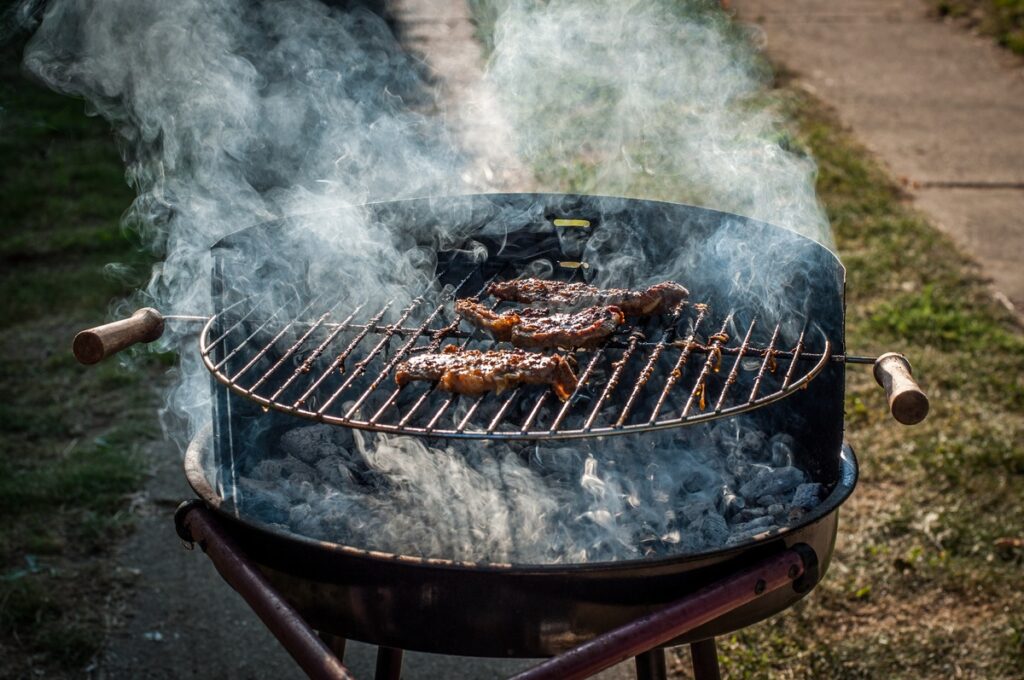
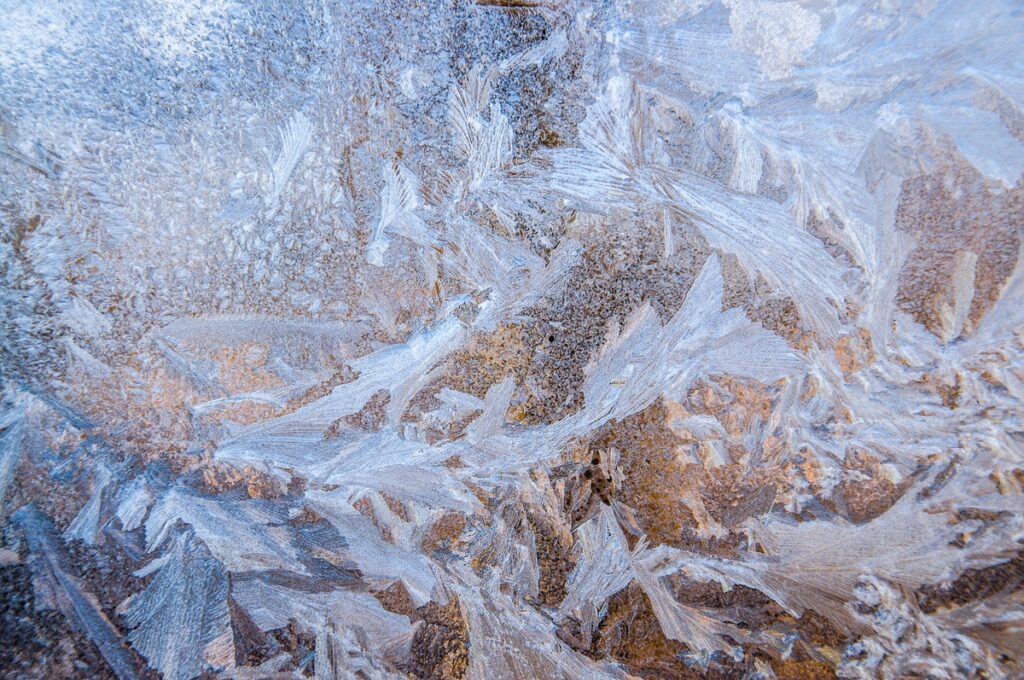
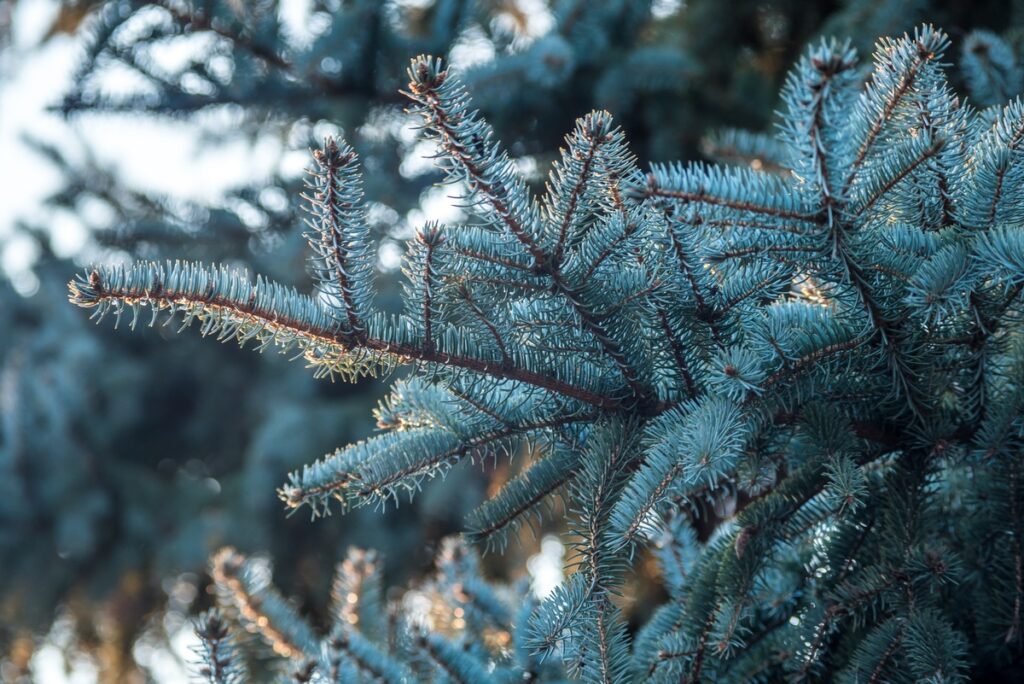
Different color temperatures within an image
Your camera records the light reflected from objects. It does not automatically understand what “true white” should look like in every lighting condition.
The human eye and brain constantly adjust to changing light. For example, under warm indoor bulbs, we still recognize a white shirt as white. Cameras need help making that same correction.
White balance adjusts the color temperature of the image so white objects appear white, and all other colors look accurate.
Correct white balance improves your photos in several ways:
Even an excellent composition can look poor if the color temperature is wrong.
Different light sources produce different color tones. These are measured in Kelvin (K).
Common Examples:
Lower Kelvin values create warmer yellow/orange tones. Higher values create cooler blue tones.
Most cameras and smartphones use Auto White Balance by default. It works well in many situations.
Best for:
However, AWB can struggle with mixed lighting or dramatic scenes such as sunsets.
Tip: If colors look strange, switch to manual settings.
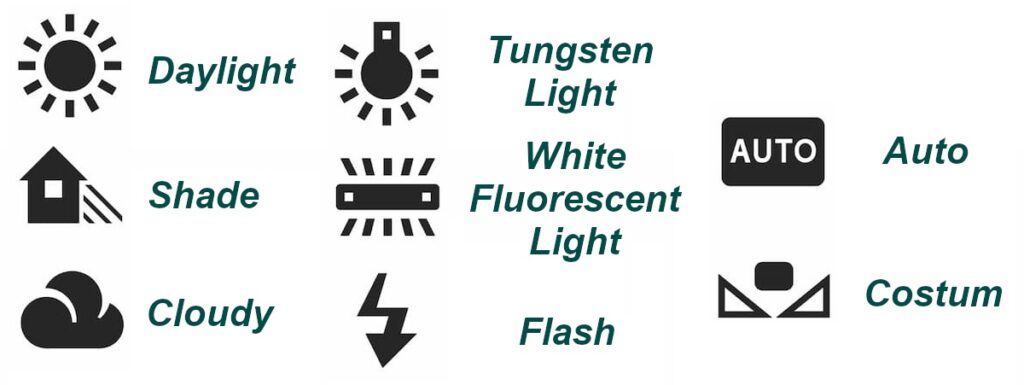
Most cameras include useful presets:
These modes are fast and often more accurate than auto mode.
Advanced cameras allow you to choose the Kelvin value yourself.
Examples:
Manual Kelvin gives consistent results, especially during studio shoots, portraits, landscapes, and product photography.
Pro Tip: If all photos in a session need matching colors, use manual Kelvin instead of AWB.
Predefined white balance modes
Creative Uses of White Balance
White balance is not only technical – it can shape emotion.
Use Warm Tones For:
Use Cool Tones For:
Intentional color temperature can completely change how viewers feel about an image.
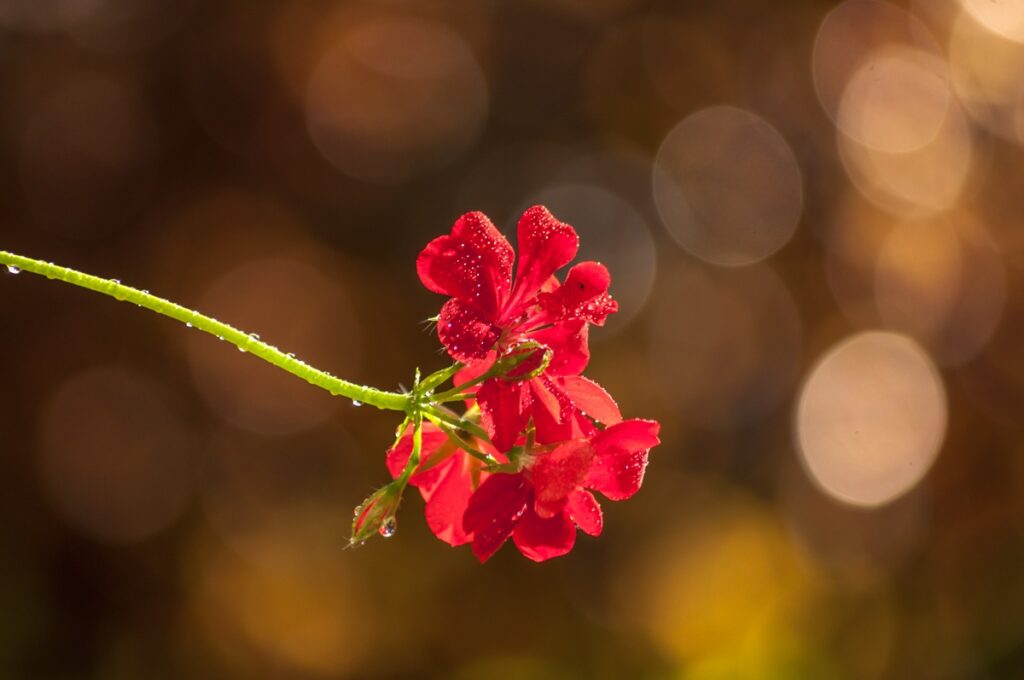
Warm color temperature images
Shoot RAW for Maximum Flexibility
If your camera supports RAW format, use it whenever possible.
Benefits of RAW:
JPEG Limitations:
JPEG files already apply processing in-camera, which reduces flexibility.
Best Advice: If photography matters to you, shoot RAW + JPEG when possible.
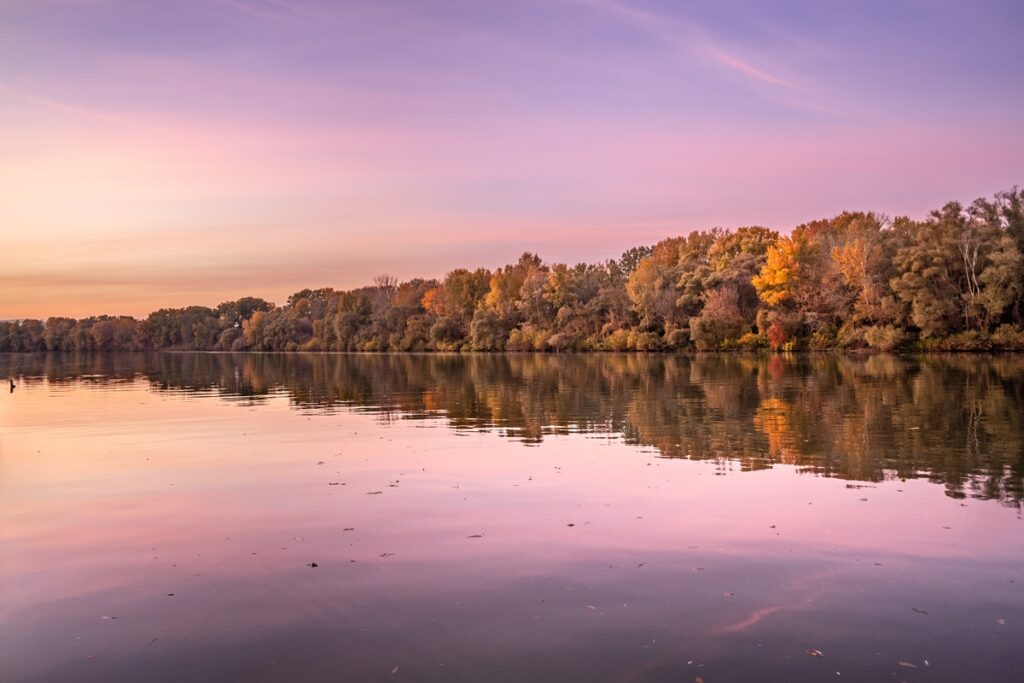
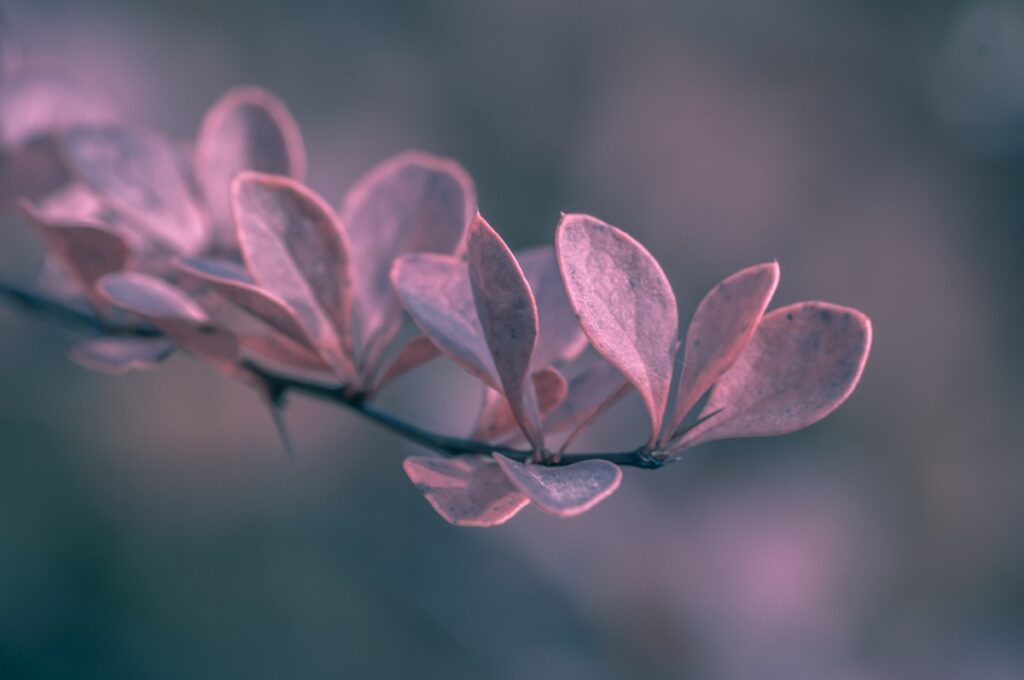
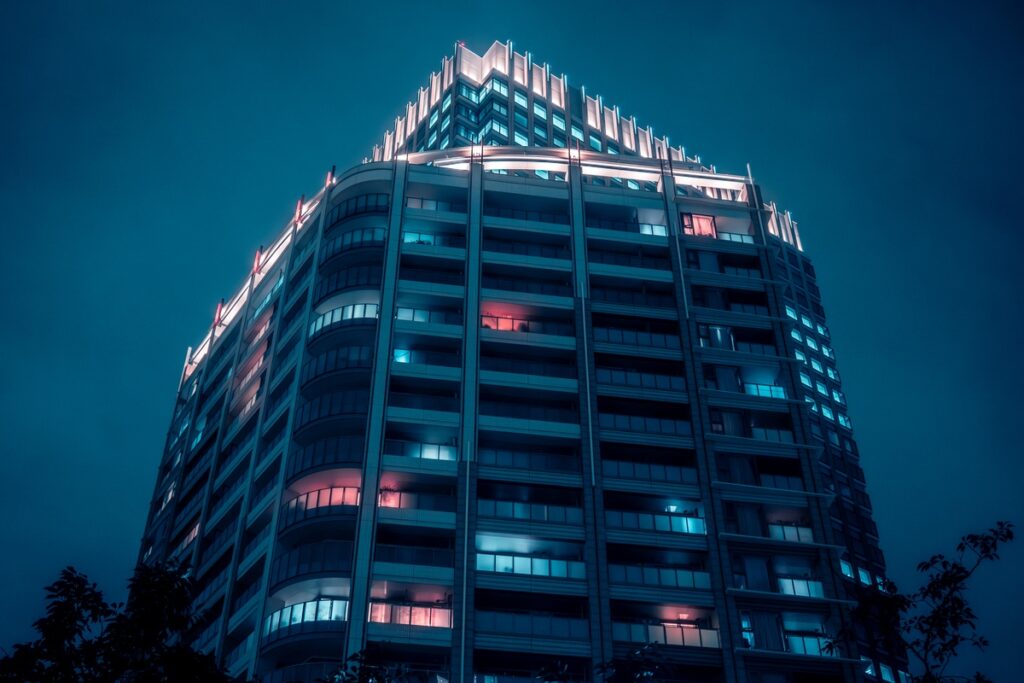
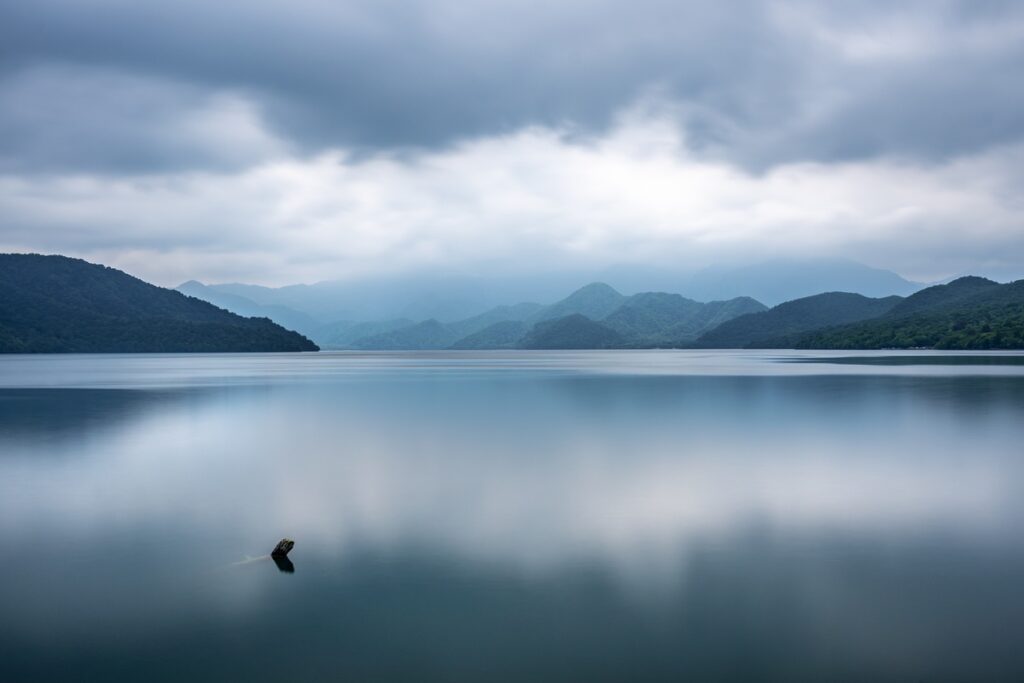
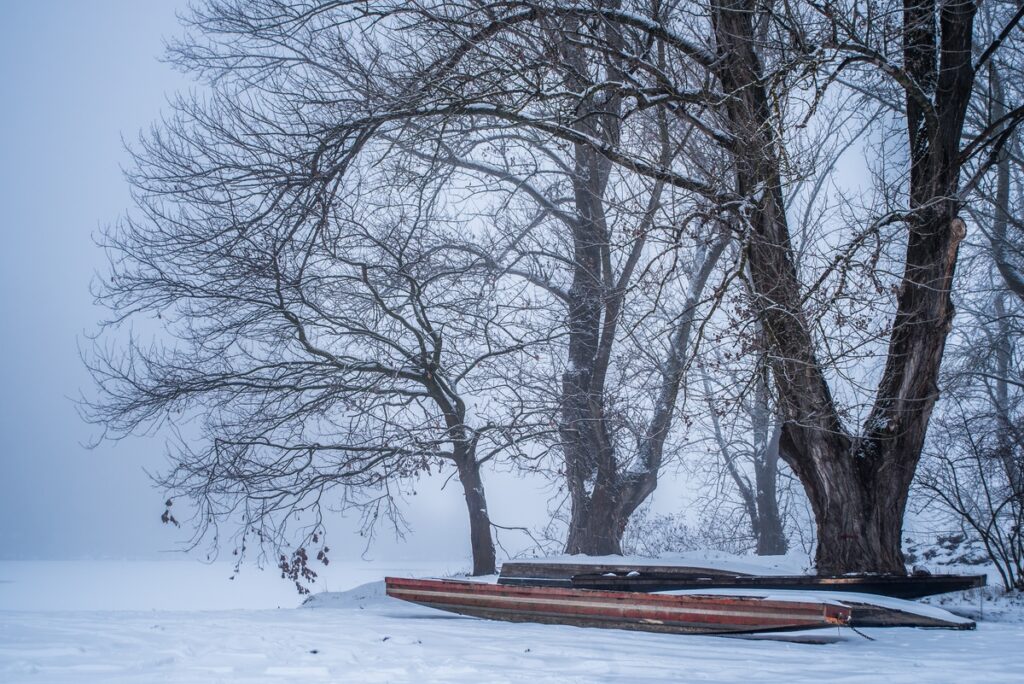
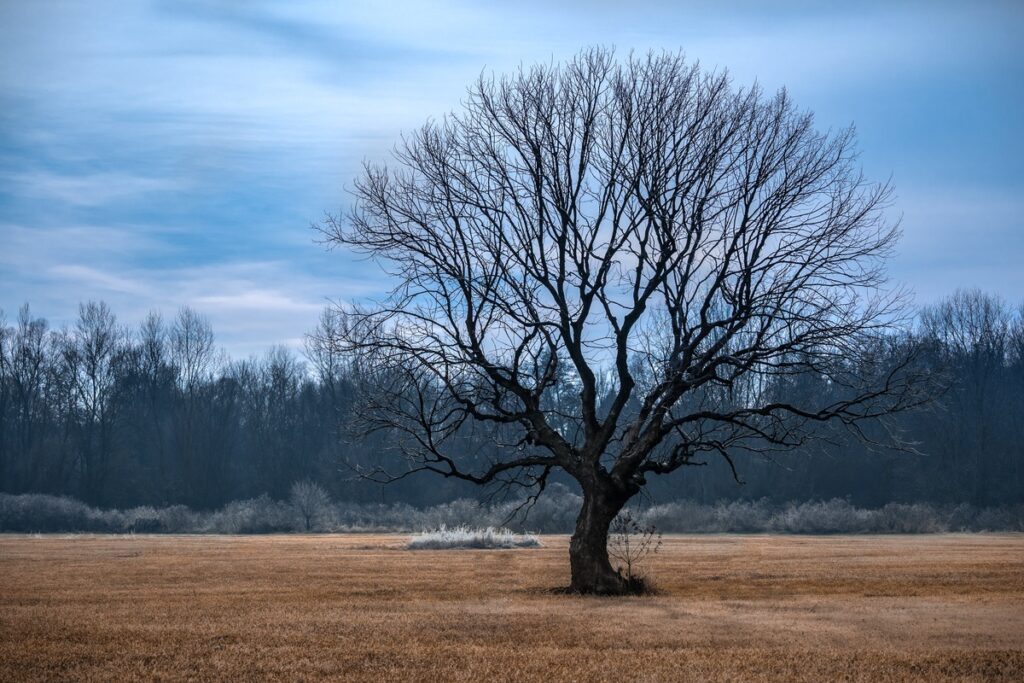
Cold color temperature images
Common White Balance Mistakes
Avoid these beginner errors:
Quick White Balance Tips
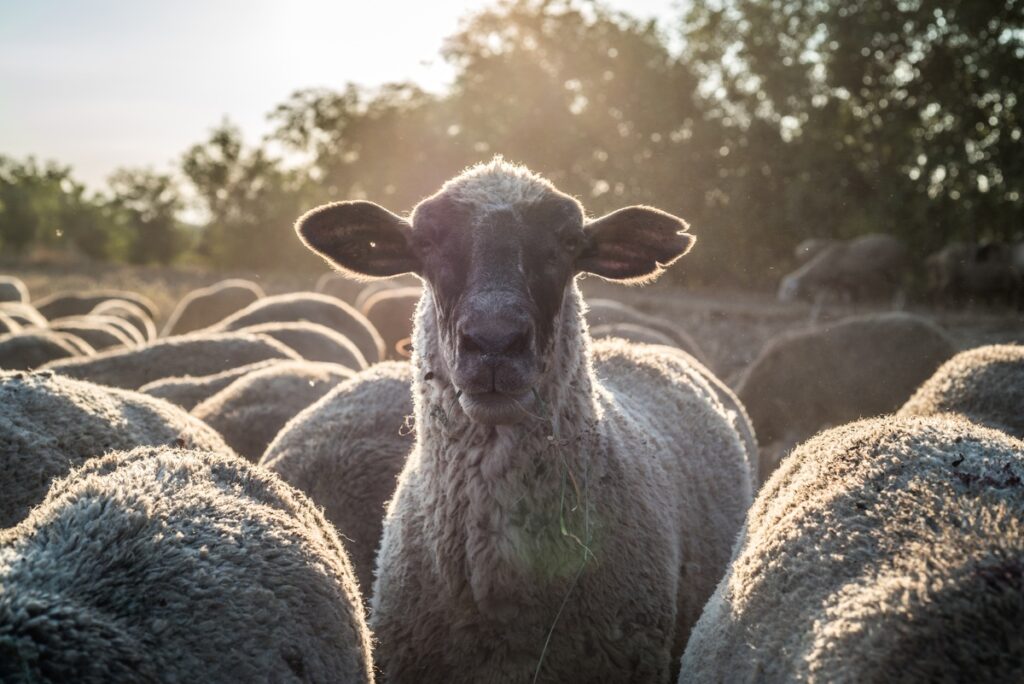
Warm & cold temperatures images
Final Thoughts
White balance is one of the fastest ways to improve your photography. Once you learn how light affects color, your images will instantly look cleaner, more professional, and more visually pleasing.
Remember:
Mastering white balance means mastering color – and color is one of the strongest tools in photography.