
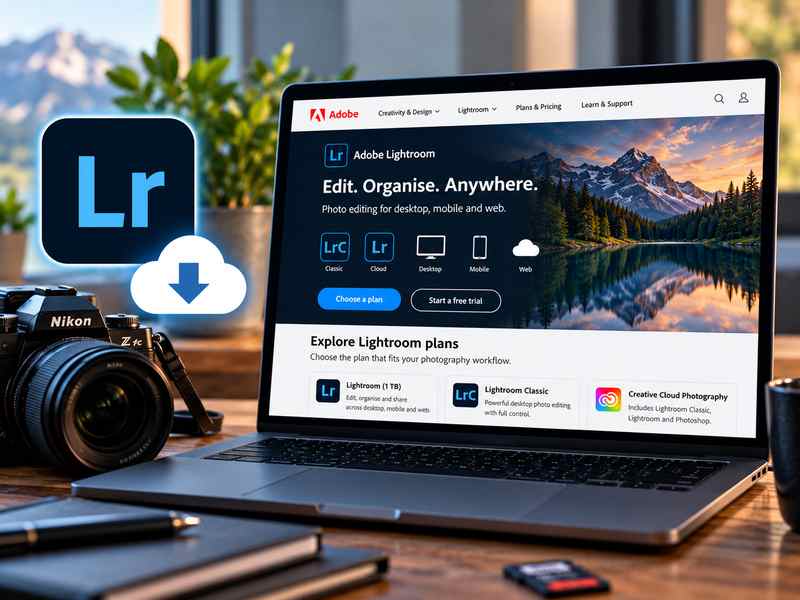
Learn where to download Adobe Lightroom safely, explore the available subscription plans, and find out how to start your free trial before purchasing.
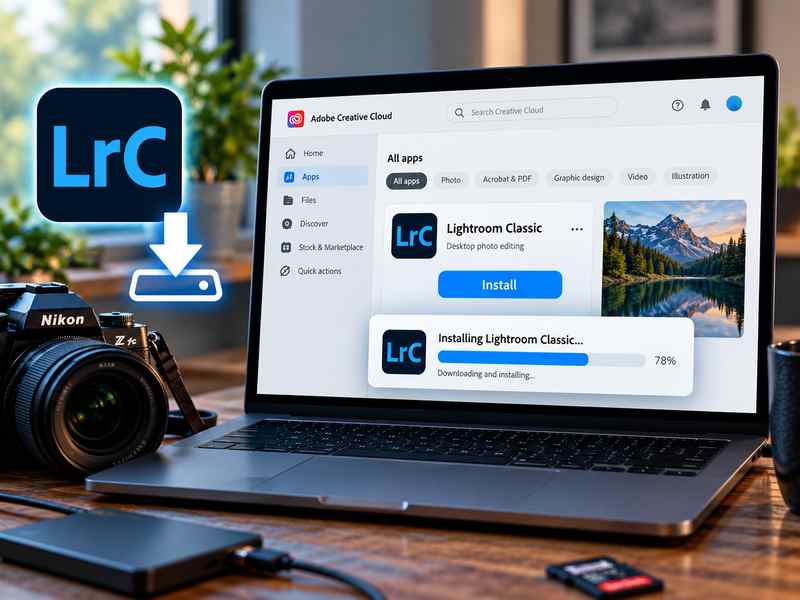
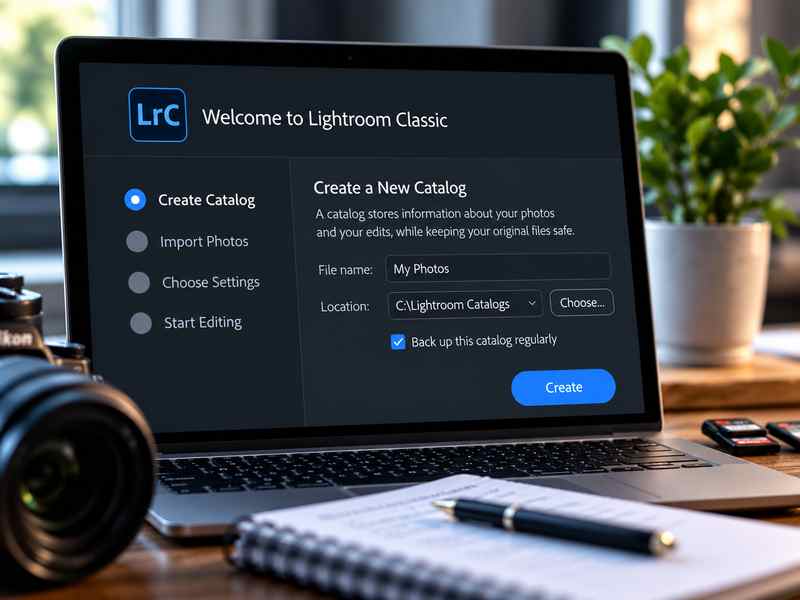
Follow this step-by-step guide to installing Lightroom on your computer, preparing the software for your first photo editing session.
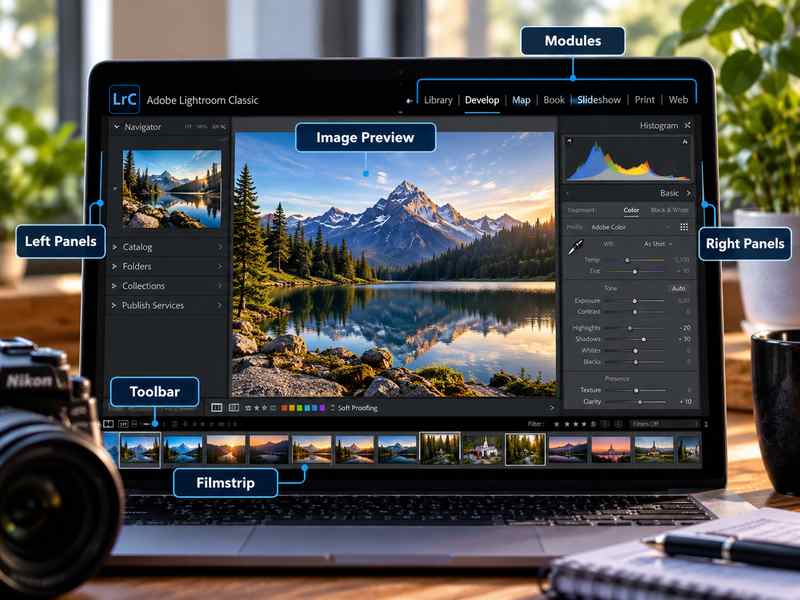
Explore the Lightroom Classic interface and discover its seven main modules. Learn what each workspace is used for, from organizing and editing photos to creating slideshows, photo books, and web galleries.
Learn how to optimize Lightroom Classic for the best possible performance. Discover essential settings, speed up your workflow, and configure the software to run smoothly and efficiently on your computer.
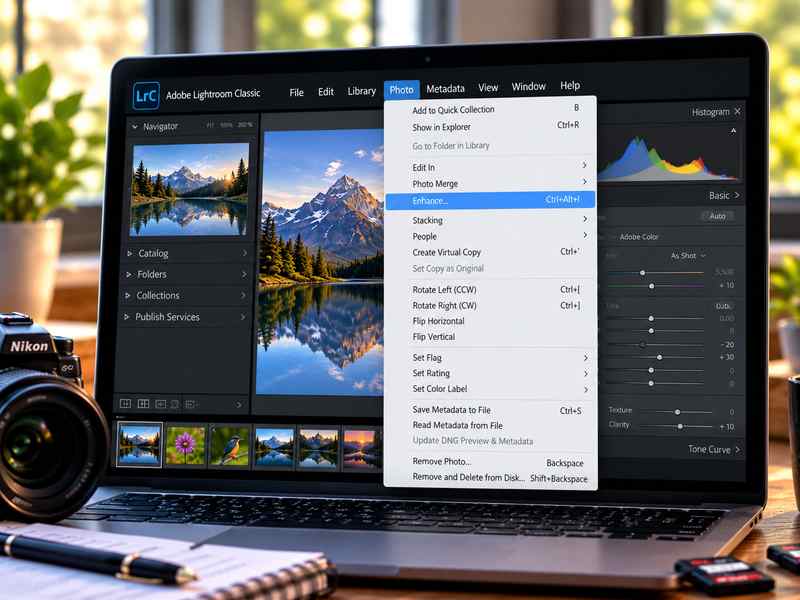
Discover the main menus in Lightroom Classic and learn what each one does. Understand where to find important commands, settings, editing tools, and useful shortcuts to make your workflow more efficient.
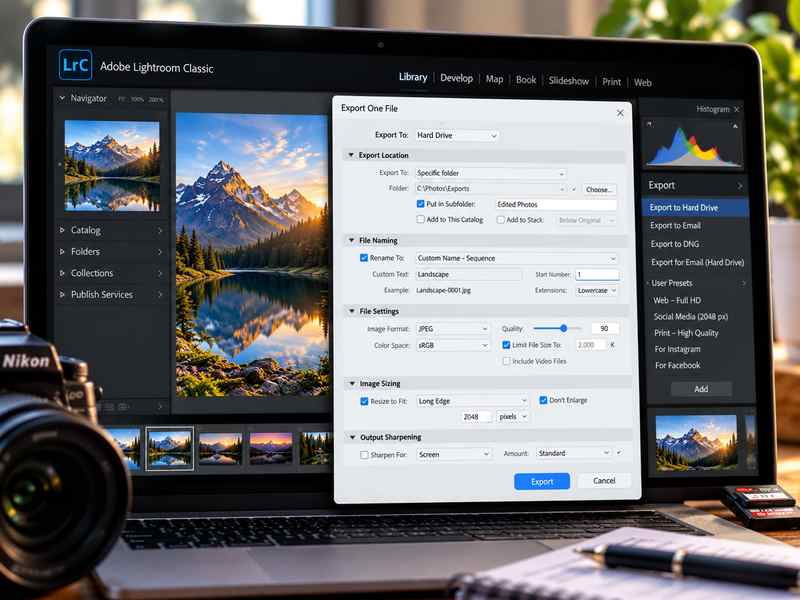
Learn how to export your edited photos from Lightroom Classic, choose the right file format, resolution, and quality settings, and save your images for web, social media, or printing.